Digital Content Creation: Enrolment Information
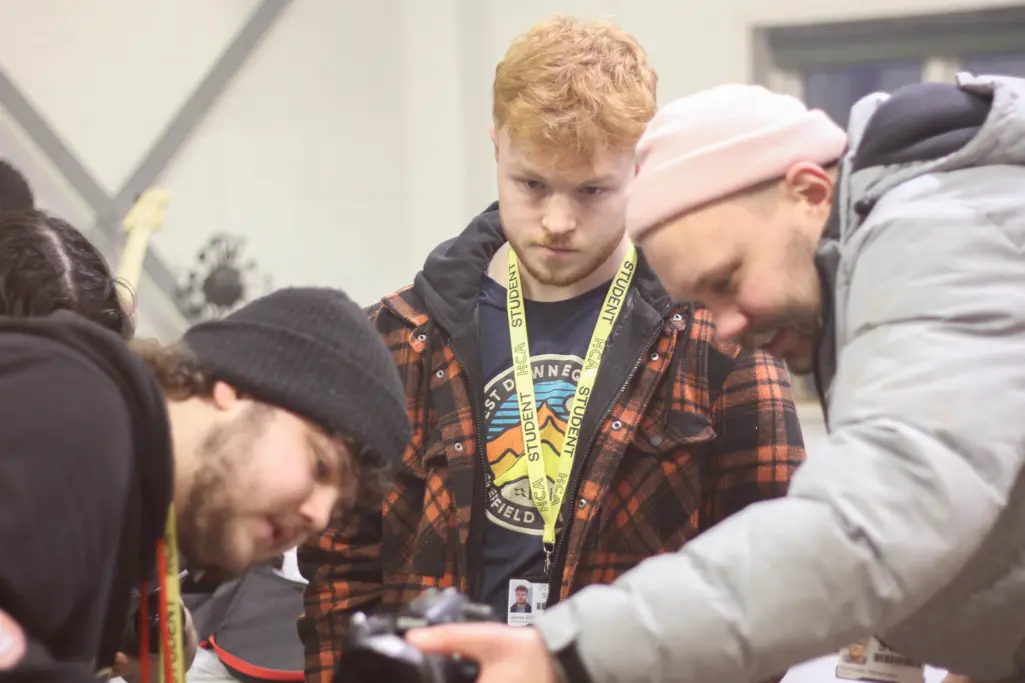
This page - and the resources included - will help you prepare for enrolment and your return to the college.
Welcome to BA (Hons) Digital Content Creation
What's included on this page?
This page will help you prepare for enrolment and your first days with us at HCA. Below you will find:
- Welcome Letter
- Equipment List
- Reading List
- Summer Project
- Checklist for Enrolment
We look forward to seeing you on campus in September.
We hope you’re having a wonderful summer break
This page will help you prepare for enrolment and your return to the college. Below you will find:
- Reading List
- Summer Project (Level 5 students only)
- Enrolment Times
- Checklist for Enrolment
We look forward to welcoming you back to campus in September!
Course Information
Starting our BA (Hons) Digital Content Creation degree course this September? You may find this list of recommended equipment helpful!
A list of reads recommended by our course team.
For Level 4 (New Students)
You are invited to introduce yourself through a 30-60 second reel. You can use whatever techniques you have available and whatever tells the story best.
You don’t have to tell us everything; pick something specific, surprising or unusual and communicate it creatively.
You may choose whether to appear or not in the video; you might use voiceover or text. This is a chance to introduce yourself, make the kind of content you enjoy making and share the things you care about.
This is a yearly tradition! We will watch these reels when we meet for the first time in September, as a way of introducing ourselves to each other.
Format:
- You can shoot this video on your own phone, and edit it within the Tiktok/Instagram editor.
- Shoot in vertical format.
- You are welcome, of course, to use other cameras or editing software if preferred.
- You can then either post it to your own account, or you can download the video without posting.
Send either a link to where you have posted the video, or email it to the course team
Document your summer break, and cut it into a piece of content! This could be in the form of a video vlog or diary, or short reel. You don’t need to show us everything; pick a particular creative and engaging angle on your summer, a trip, a project, boredom, a game, a summer job, a hobby, an event etc. Use whichever form of content feels most natural to you and your intended audience. The resultant content can be anywhere from 1 to 10 minutes long.
When we return, we will view your content as a way of catching up with each other.
Please email the video (either as a link, or an H.264 MP4 file) to the course team
Enrolment timetable (Returning Students Only)
| Time | |
|---|---|
| Course | Tuesday 22nd Sept 2026 |
| Year | |
| Level | |
| Mode of Study |
| Time | 10.30am |
|---|---|
| Course | BA (Hons) Digital Content Creation |
| Year | 2 of 3 |
| Level | 5 |
| Mode of Study | FT |
| Time | 10.30am |
|---|---|
| Course | BA (Hons) Digital Content Creation |
| Year | 3 of 3 |
| Level | 6 |
| Mode of Study | FT |
Enrolment Checklist
To make sure you are prepared on enrolment day, here is a checklist of everything you will need:

IMPORTANT: Special Requirements Form
Please complete the special requirements form prior to enrolment. Tap below and you can complete the form online. It should only take around 7 mins.
Complete the online form here
Go back to the Enrolment Hub
Tap the link below to return to the Enrolment Hub for general enrolment information.
Return to the Enrolment Hub